Showing posts with label Android. Show all posts

Friday, 26 September 2014

Stream Your Files Over The House

Hi this is a kind of tutorial, some hardware, software is need for this "kind of tutorial".


      To begin let me tell about my set up, two box running Linux Mint 17 64bit, one on my living room and the other on my small room they are connected directly to my Thomson  wi-fi router with RJ45 cables with help of TP-LINK AV200+, on the living room side, together this two machines have 7 TB of HDD.

Things that you need for this "kind of tutorial"

            Linux Mint 17 or any other based in Ubuntu/Debian
            OpenSSH Client (install by default in Mint)
            OpenSSH Server
            XBMC 13.2            (Kodi from 14.0)
  
Ok I have this new board that was 8 Sata ports so I only need 1 box running and something like Raspberry  Py with Raspbian on the living room to stream to my TV.

Stream Your Files Over The House

 So I have this idea that I could stream any file over the house with a tablet or tablets, and this idea is kind of multi room stream with mix off hardware.
 what I test and is working..
             
..my two box running Linux Mint 17 with XBMC on each, but this is not necessary if you have one in on location and stream all your files to like the Py, only need to configure the XBMC to get the files from that machine and the same this for the tablet/tablets.

 Tablet 

My tablet that I test and is working ONDA V989 and the XBMC for android.

Mint 17 up and running open terminal and type
sudo apt-get install openssh-server
will ask for password


if this is the machine that you will have your files stored then go to network settings and write the IP Address something like 192.168.1.99


if you have other machine like me, then on that machine open Nemo..


when you make a connection to server form the client side, you only need
ex: /media/you name/
in my case the folder xbmc-hd is a 3 TB drive only for hd content, I have this set to
ex: /media/ricardo/xbmc-hd on XBMC client 
 this client is the box on my living room and tablet.

XBMC

 xbmc grate software open source and do everything as media center , setting up for remote stream..


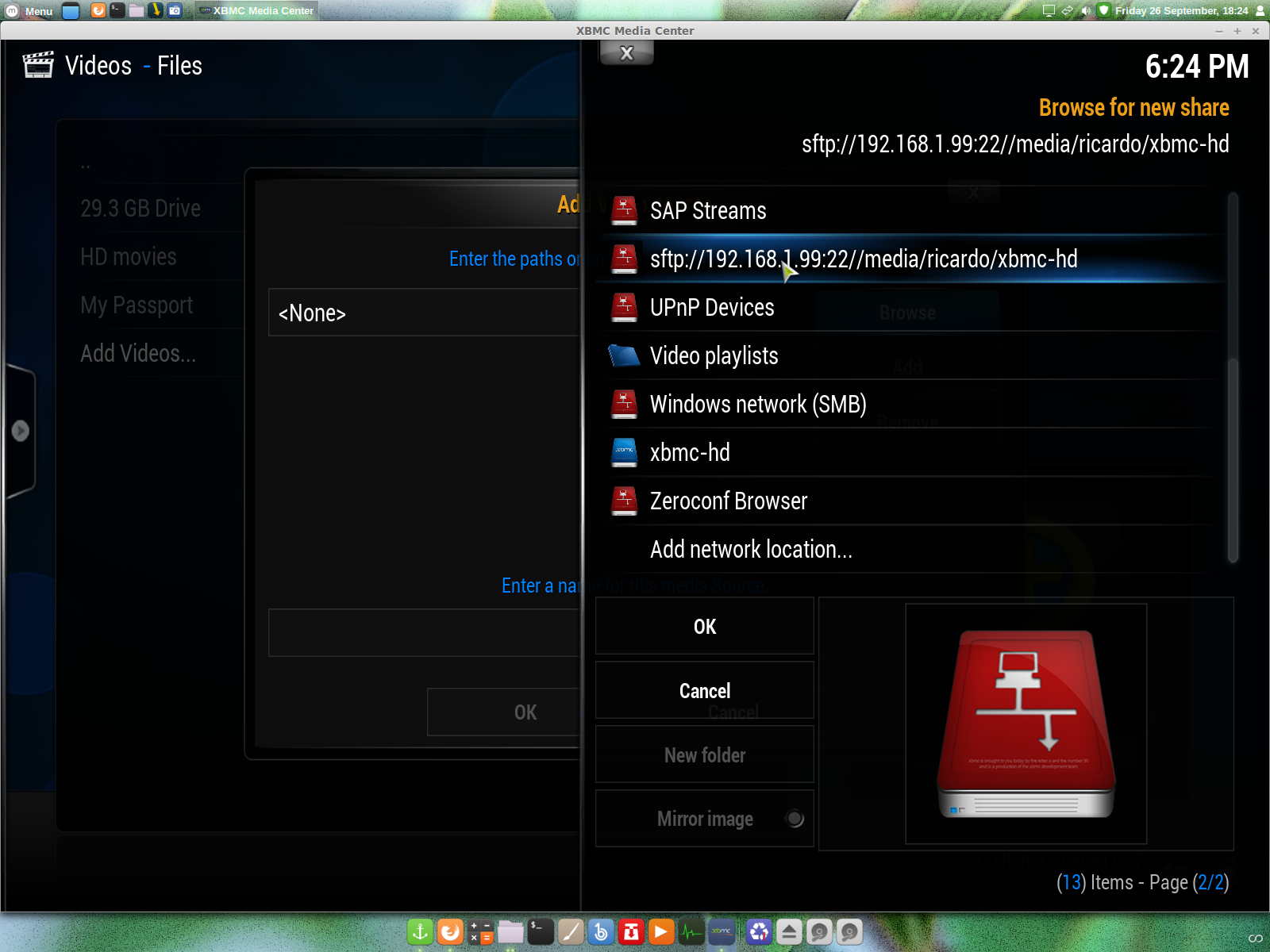


you can see this error "could not connect to network server", your pc IP Address is wrong..


after all settings correctly applied it should look like this, however none of the files you see are there, this is Linux and you can make a text file ending in .mkv and add the cover!

PS: Please don't use this kind of tutorial for illegal things.  

All links that you see on this kind of tutorial go to original web pages and I don't my self scam people, thanks for read and stop by.

Sunday, 19 January 2014

Install Apps on Playbook from Linux

Hi, first and most hall my time one a pc is on linux mostly Mint so go back to Windows to install apps or sync music in itunes, this is no longer a good practice, I mean go back and forward. You could do this on a virtual machine, but if you don't have Windows it is not possible from virtual machine. Doing it from a browser Chrome / Firefox on Linux/Mac/Windows to manage yours apps on Playbook that is a good thing since the time we spend in front a pc is browsing.
So George J (jgc@gridbook.org) came with this idea tool that you can do this from a browser thumbs up. From Chrome the install takes a few minutes for full instructions follow http://gridbook.org/pb-app-mgr/ on this page, will give you the instructions based on your browser.
Apps that I have install using the tool/web soundcloud this in not a native app so you have to convert or download one with .bar @ http://apps.goodereader.com/apk-2-bar/, apps that I converted in windows and installed from was Nest, Yatse, Houzz, IMBD, and Unified Remote more or less they all work. Hope this help any of you.

Big Thanks to George J for this great tool.

Sunday, 17 April 2011

Android on Virtualbox

Android on Virtualbox

Testing "how it looks" a Android system without a mobile phone?
What you need is:
Android @ http://www.android-x86.org/download
Virtualbox @ http://www.virtualbox.org/

Them you can taste all Android system on you pc without a mobile some screens from my Virtualbox:
The screen on Virtualbox
The first screen on Android
If this was a touch screen slide to the top to unlock the phone
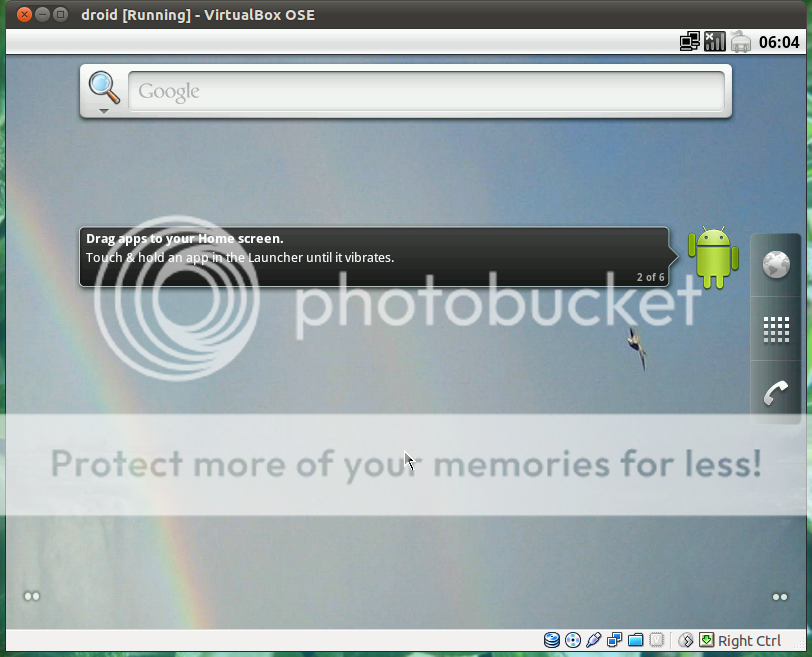
The main screen of Android with the small dots give you 4 virtual areas for apps groups
Slide left/right or touch the dots
Adding apps to virtual area
Virtual area with some apps
Removing apps from virtual area, click to highlight and the small bin will appear
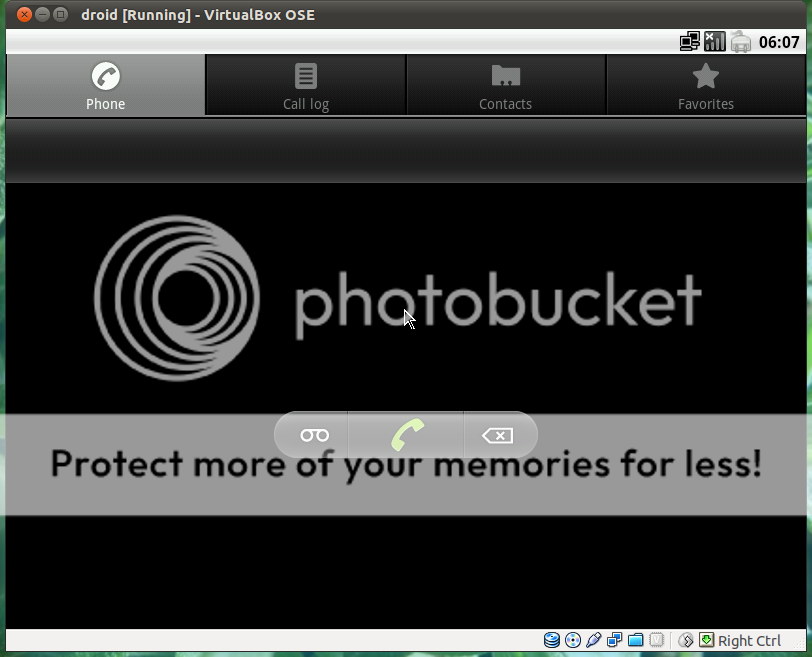
Phone app lunch to make a call I think if you configure this will work with voip but not tested
Lunch Google maps app, this is a small preview of the Android system to test this your self install on your pc windows/mac/linux virtual box run in all of them, to install go here for Android go here for Virtualbox go here.
All the credits goes for the respective owners of:
Android to: www.android-x86.org/
Virtualbox: to: www.virtualbox.org/
how to install to: www.taranfx.com/how-to-run-google-android-in-virtualbox-vmware-on-netbooks
If this was informative reply to post thanks.

If you have a Android maybe this reading is for you
http://lifehacker.com/#!5790747/cyanogenmod-7-brings-gingerbread-canned-sms-responses-built+in-overclocking-to-android 

http://www.cyanogenmod.com/