Showing posts with label Hardware. Show all posts

Thursday, 31 October 2013

Get back Boot splash after install of Nvidia Driver.

My boot was a text displaying "Linux Mint 15" with 4 dot's on bottom and Nvidia logo after. I try install custom boot splash's but after reboot the same was displaying. The solution came after many attempts. My graphics Nvidia  Geforce 8400M GT, driver 310.44 linux 64 bit. This as taken from askubuntu.com last post...

First install hwinfo by running the following command:
sudo apt-get install v86d hwinfo
After the installation run the following command and note down the highest resolution:
sudo hwinfo --framebuffer
For me this was Mode 0x0361: 1280x800 (+5120), 24 bits, next edit the following file:
gksu gedit /etc/default/grub
This will open the GRUB config file, we now look for GRUB_CMDLINE_LINUX_DEFAULT="quiet splash" and change it with the following, change your resolution with mine and also add the color depth (for me 24 could be 16 or 32).
GRUB_CMDLINE_LINUX_DEFAULT="quiet splash nomodeset video=uvesafb:mode_option=1280x800-24,mtrr=3,scroll=ywrap"
Then find the following line (uncomment if needed) and change your resolution again, note that you don't include the color depth:
GRUB_GFXMODE=1280x800
Save and exit, next edit the following file:
gksu gedit /etc/initramfs-tools/modules
Scroll to the end of the file and add the following line, again add your resolution and the colordepth like you did before:
uvesafb mode_option=1280x800-24 mtrr=3 scroll=ywrap
Then in the terminal type the following commands and then reboot:
echo FRAMEBUFFER=y | sudo tee /etc/initramfs-tools/conf.d/splash
sudo update-grub
sudo update-initramfs -u
For me this fixed the problem, I tried all the other suggestions and scripts, none of them worked but this does, good luck!
To remove the Nvidia splash logo add "NoLogo" to xorg.conf, by
sudo gedit /etc/X11/xorg.conf

Section "Device"
     Option "NoLogo" "True"
Then you can install super-boot-manager to managing the boot splash.
My boot splash

Enriki-theme

I hope this help.

Saturday, 11 August 2012

Philips GoGear Muse Silver 8 GB HDMI Digital Media Player FM Tuner SA2MUS08S easy sync on Ubuntu

Philips GoGear Muse Silver 8 GB HDMI Digital Media Player FM Tuner SA2MUS08S, this is a replacement of the other that have the inflated battery, this is to show how easy is to sync / drag and drop files on Ubuntu.
The GoGear has  8GB and slot for microSD up to 32GB with a great sound through the ears phones, my files are m4a 128 to 256kbps or mp3 320kbps, will test the sound with flac files, some photos to help  understand...

Thursday, 2 August 2012

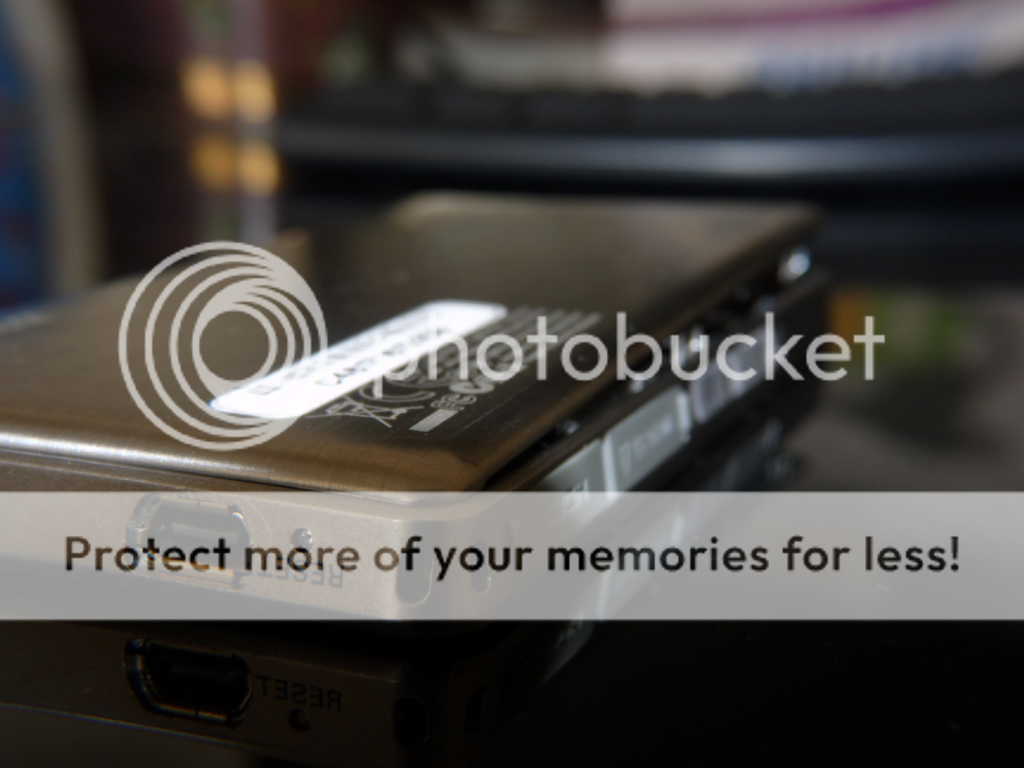
Philips GoGear Muse Silver 8 GB HDMI Digital Media Player FM Tuner SA2MUS08S with battery inflated.

Philips GoGear Muse Silver 8 GB HDMI Digital Media Player FM Tuner SA2MUS08S  with battery inflated.
Hi bought this mp4/mp3 player from Ebay used item but in working order 20 minutes after received the player and when charging the back pop open, battery inflated, now the battery is dead on Ebay no replacement the ones I found are for different models like this @ ebay.
The prices can go from £ 5 to £ 20 and none of this batteries are for this model, I contact Philips consumer care and they inform that this battery can't be replaced  so cheap can be costly if I return the player I will lost £ 8 of the £ 20 I paid for the player, so some photos...

Monday, 12 March 2012

Tuesday, 9 November 2010

Clean install Ubuntu 10.10 trouble with Nvidia driver for 8400M GT

To day i pass all day trying to install Ubuntu 10.10 with difficulty, after install the recommended driver and reboot the only thing i get is a black screen, this was the same driver on Ubuntu 10.04 and I did not have problems with it. My solution to this was to use the version 173


then I saw the whole forum for the solution to this, for me this was very easy, the links to the help:
              http://ubuntuforums.org/showthread.php?t=1595509
           https://launchpad.net/~ubuntu-x-swat/+archive/x-updates
                       "ratcheer" says
 ( Add the x-swat PPA: https://launchpad.net/~ubuntu-x-swat/+archive/x-updates)
 (Use your package manager (apt-get, aptitude, whatever) to update your software. Then, run Additional Drivers applet again to activate the Current (recommended) driver. This should update both the video driver and xorg to the PPA versions. Reboot, again.)


This will update the driver to the last current version 260.19.12.

Sony VGN-NR38S
Intel core 2 duo T5750 2 GHz
2 GB memory
250 GB Hard Drive
Graphics Nvidia 8400M GT
Ubuntu 10.10
Kernel Linux 2.6.35-22 Generic

Nvidia:
          http://www.nvidia.com/object/linux-display-amd64-260.19.12-driver.html
Ubuntu 10.10:
                      http://www.ubuntu.com/
If you need stop your X server,
                    http://ubuntuforums.org/showthread.php?t=304325
you need know terminal commands

Ubuntu forum:
                       http://ubuntuforums.org

Wednesday, 11 August 2010

New Home

The last build i made i start from some used parts like the pc case but this case looks unsafe for my baby, so i buy a new pc case a cool master elite and i will show the parts used on this build:

the empty box back fan front info cables
the other side
the front of the case
and the back
a extra fan 120mm for the front, a used antec 3 speed manual to bring air inside
the psu cit 550
the graphics sapphire ati 5750 with 1 gb memory crossfire
http://en.wikipedia.org/wiki/ATI_CrossFire
hdd 1tb seagate barrecuda
asus amd3 socket with on board gpu ati, processor amd phenom II 955 4 core 3.2ghz, memory ocz 1600 2x2 gb, hdmi and hd 7.1 sound
memory ocz 4 gb
the back of the motherboard
gpu nos onboard graphics from ati
amd phenom and cooling fan
psu and motherboard in place
the graphics in place
hdd and front fan in place
blu ray and dvd combo the 2sd is used
blu ray and dvd combo in place
all connected
the final look.
Os windows 7 64 bit
Web cam microsoft HD
wireless keyboard and mouse
internet usb adapter
hdmi cable.

Monday, 26 July 2010

My pc box.


This is a new build so the parts:
Motherboard - Asus M4A785TD-M EVO
Processor - AMD Black Edition - AMD Phenom II X4 3.2 GHz
Graphics - SAPPHIRE Radeon HD 5750
PSU - CIT 550 Watts
Memory - OCZ 1600 (oc)
HDD - WD Caviar Black 1 TB
BR - DVD - LG BH10LS30.AUAR10B 10x Internal BDRW Retail Kit
OS - Windows 7 Ultimate 64bit
Case - old reused
The end result.
To upgrade: Case, S/PDIF cable, HD webcam, 2sc graphic card for crossfire for double of power from 1gb to 2gb, OS Ubuntu 64bit.