
Wednesday, 18 May 2011
standalonestack2
standalonestack2 is my customization only to the default icon so all the credits goes to the creator of this app, screenshot nexus bar,


Sunday, 17 April 2011
Android on Virtualbox

Testing "how it looks" a Android system without a mobile phone?
What you need is:
Android @ http://www.android-x86.org/download
Virtualbox @ http://www.virtualbox.org/
Them you can taste all Android system on you pc without a mobile some screens from my Virtualbox:


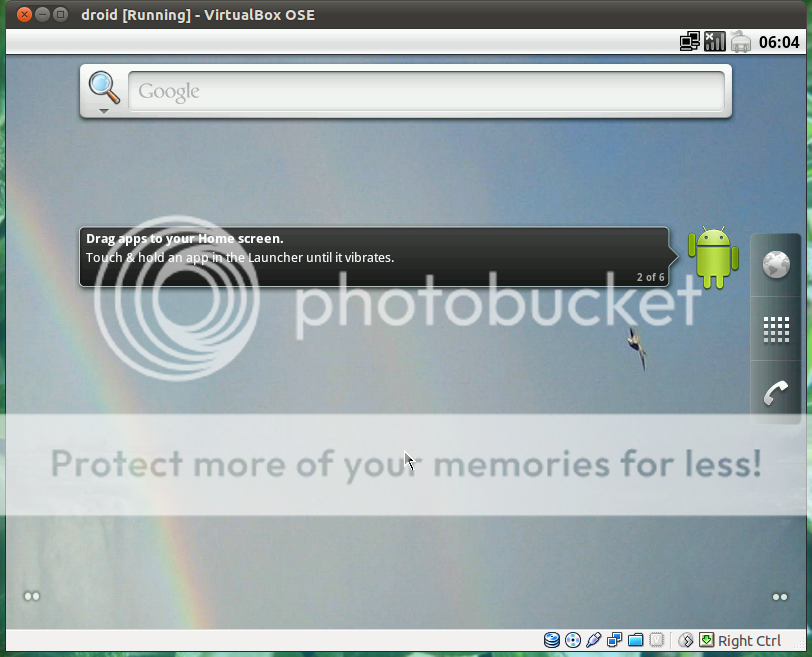


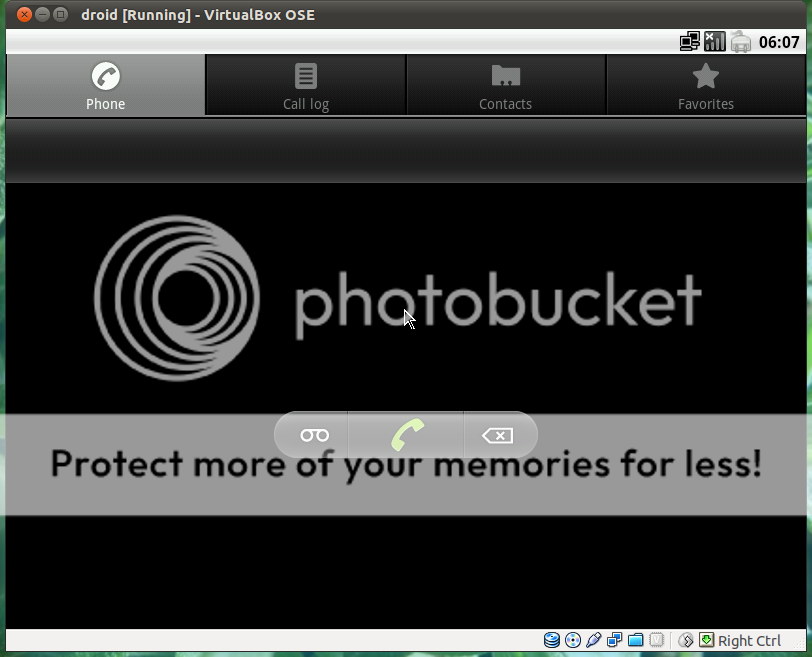

All the credits goes for the respective owners of:
Android to: www.android-x86.org/
Virtualbox: to: www.virtualbox.org/
how to install to: www.taranfx.com/how-to-run-google-android-in-virtualbox-vmware-on-netbooks
If this was informative reply to post thanks.
If you have a Android maybe this reading is for you
http://lifehacker.com/#!5790747/cyanogenmod-7-brings-gingerbread-canned-sms-responses-built+in-overclocking-to-android
http://www.cyanogenmod.com/
Monday, 11 April 2011
Spek – Acoustic Spectrum Analyser, Ubuntu install
Spek – Acoustic Spectrum Analyser
 this is not in the software center but is very easy to install
this can be install in windows and mac.
Spek home
Unix install

sudo add-apt-repository ppa:alexk/spek
sudo apt-get update
sudo apt-get install spek
this can be install in windows and mac.
Spek home
Unix install
Ubuntu 11.04 beta Unity bar and Compiz manager
Ubuntu 11.04 beta Unity bar and Compiz manager
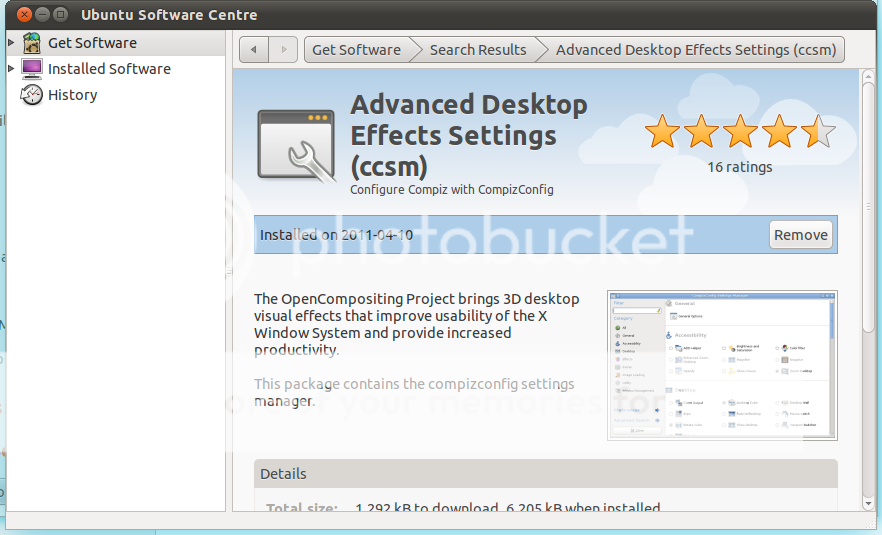
The default settings of Unity bar is a bite too much for my taste but you can change them with "CCSM" "CompizConfig Settings Manager",first you have to install this using the software center, by clicking on the shutdown icon and select system settings,
 this will open the control center,

navigate to system and select Ubuntu software center, and type compiz,
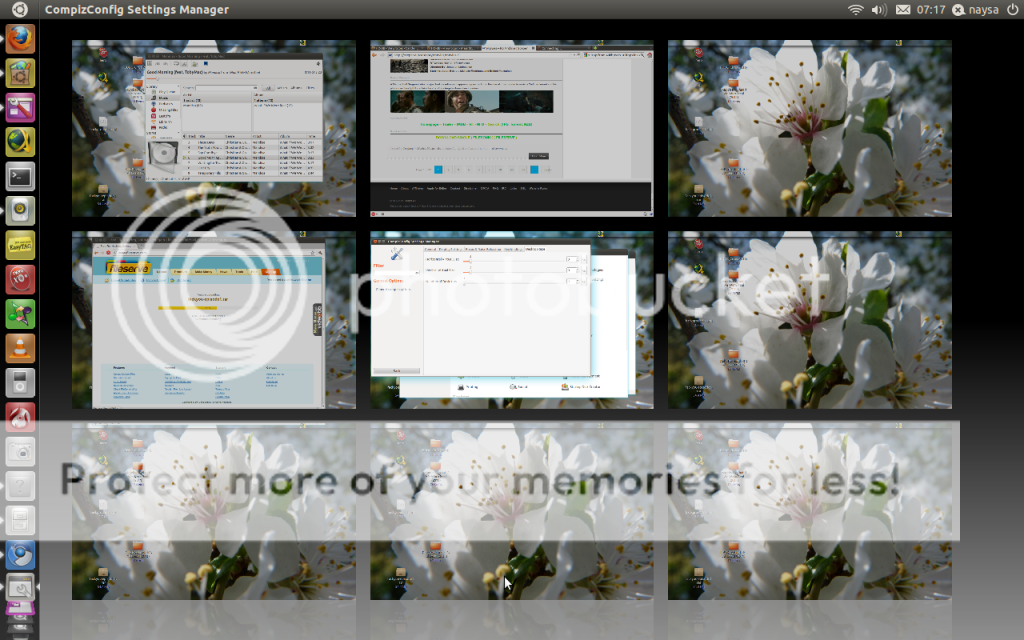
 and select the "ccsm" advanced desktop effects settings, after install go back to system settings by clicking on the shutdown icon, in control center under personal you have the "ccsm" advanced desktop effects settings, by default you only have 4 virtual desktops but this can be changed too in "ccsm"
 too change the virtual desktops from 4 to 9 click in general options, and click in desktop size tab,
 slide the vertical or horizontal or both,
 and you will have more virtual desktops, change the size of the icons in the unity bar, in "ccsm" click in unity icon and experimental bar and slide the bar to the left and the icons will change from the default 48 to 32,
 the decoration of windows are black on mine i have change for blue or any other color, and you can see the new Ubuntu have a new slider on windows.
 Wallpapers transition in Ubuntu
Ubuntu
Wallpapers
Compiz
The default settings of Unity bar is a bite too much for my taste but you can change them with "CCSM" "CompizConfig Settings Manager",first you have to install this using the software center, by clicking on the shutdown icon and select system settings,


navigate to system and select Ubuntu software center, and type compiz,




Ubuntu
Wallpapers
Compiz
Subscribe to:
Posts (Atom)